
Appearance
Updating & uninstalling
How do I update?
Administration → Settings → Updates shows the installed version and whether a newer release exists. Install update downloads it, and the panel restarts itself. The update keeps a copy of the previous version and the database. If the new version does not start, it is put back automatically.
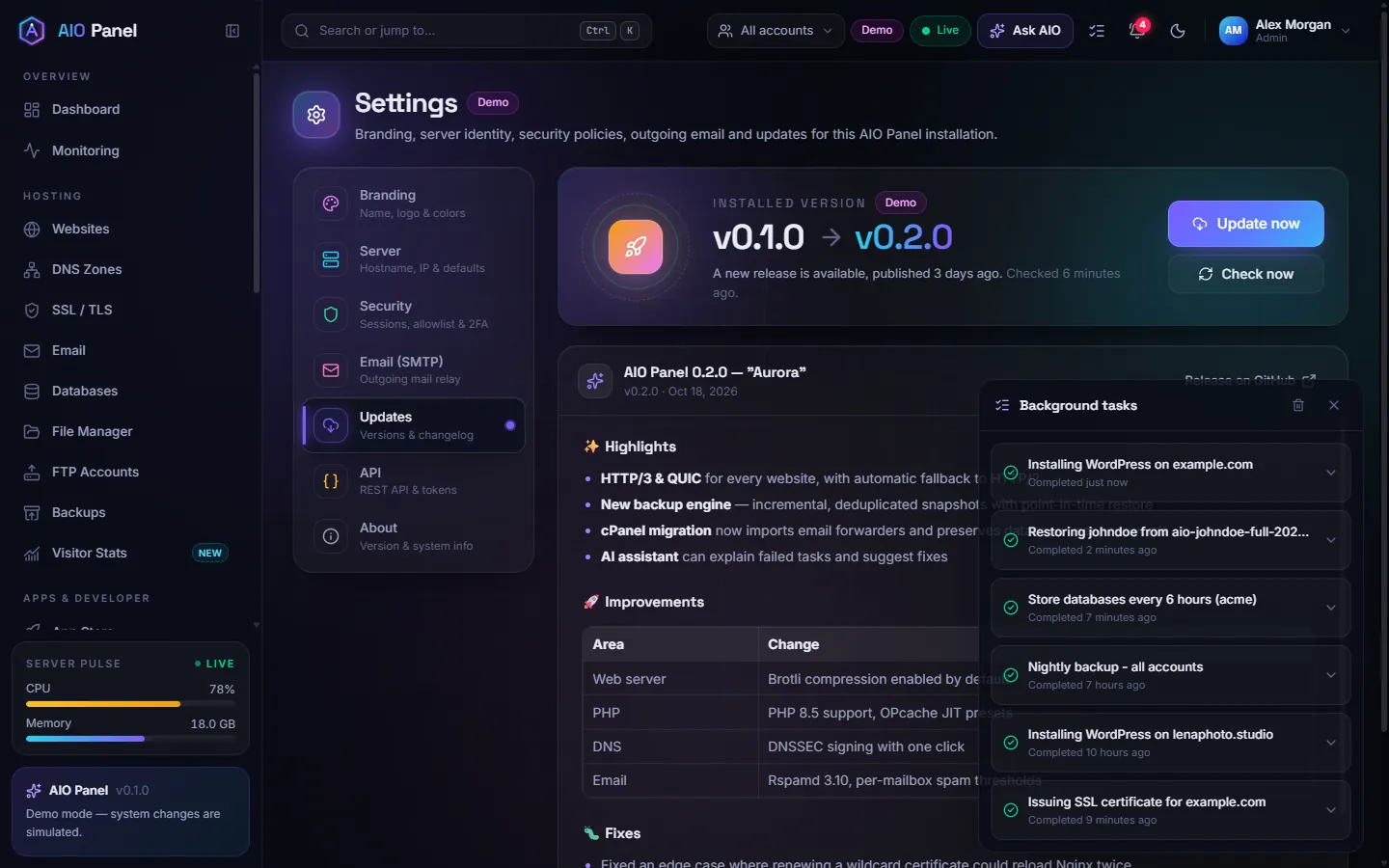
From the server, as root:
bash
aio updateThe same command is what the button runs. aio update --check only looks for a release.
What happens to my settings?
Websites, mail, DNS and the database are not rebuilt. The installer templates are refreshed, and the panel writes its own files again on startup (Nginx snippets, the outgoing relay, PHP pools). An administrator's choice to turn Junk-folder spam training off is kept.
How do I uninstall?
As root:
bash
aio uninstallThis stops the panel and removes its packages' configuration that the installer added. Customer home directories, mail, databases and /var/lib/aiopanel stay. Add --purge only when you also want that data deleted. The command refuses to delete the system users named debian and admin.
See Installation for the full list of files and the --purge behaviour.