
Appearance
Visitor statistics
Hosting → Visitor Stats turns each website's access logs into statistics with GoAccess, on your own server. No tracking script, no cookies, no data sent to a third party.
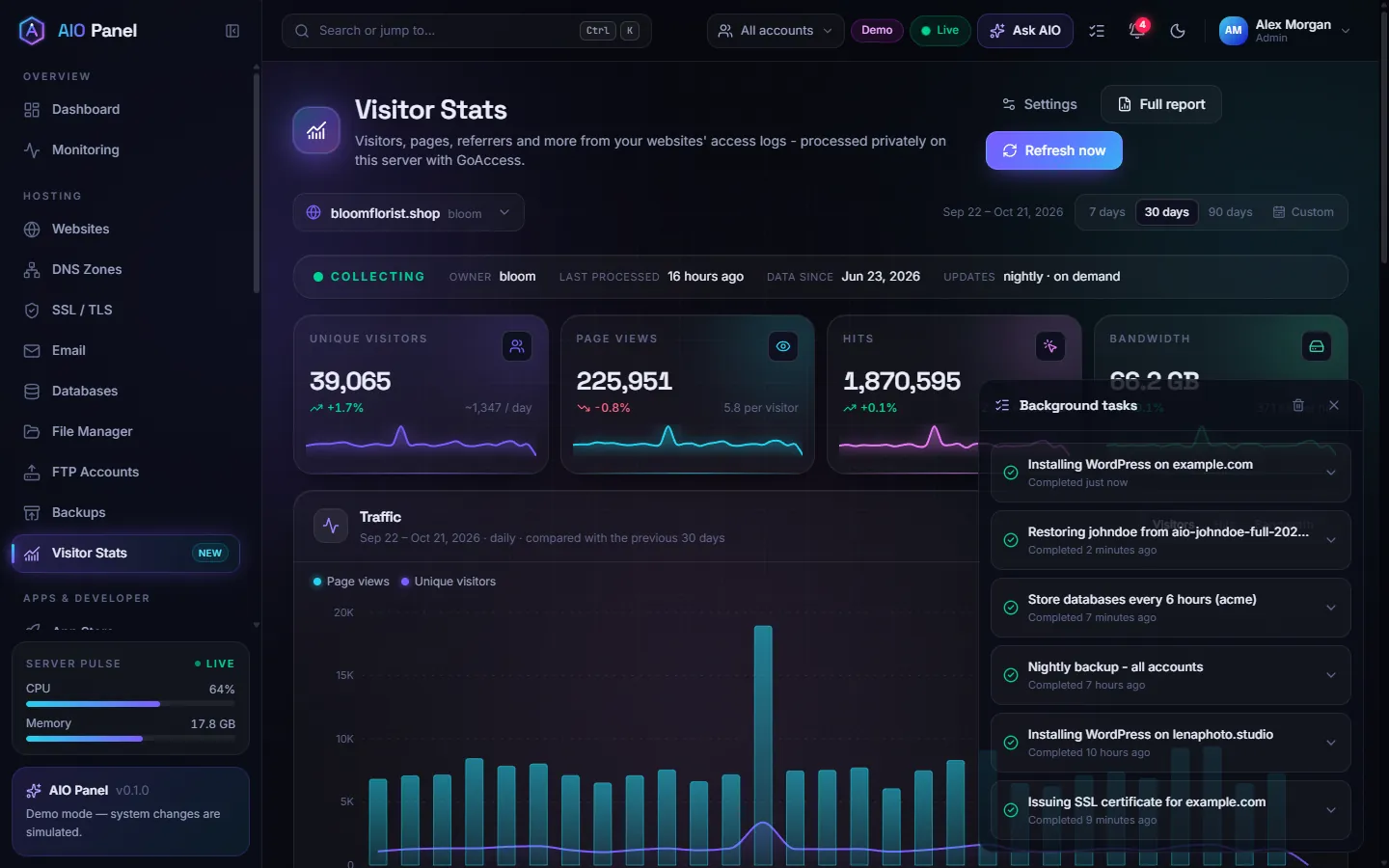
How do I see the statistics of a website?
- Pick the website at the top of the page (or click Visitor stats on a website's page).
- Choose the period: 7 days, 30 days, 90 days or Custom.
- Read the cards — Unique visitors, Page views, Hits and Bandwidth, each compared with the previous period — and the Traffic chart.
- Scroll for Top pages, Referrers, Browsers, Operating systems and Status codes (useful to spot 404s and server errors).
Full report opens the complete GoAccess HTML report; Refresh now processes the latest log lines immediately. Statistics are otherwise updated nightly.
How do I configure statistics?
Click Settings (administrators):
| Setting | What it does |
|---|---|
| Collect visitor statistics / Process every website | Turn statistics on globally or per website |
| Anonymize IP addresses | Stores truncated addresses only |
| Ignore crawlers | Skips search engine bots so the numbers reflect people |
| Full HTML report | Keeps the GoAccess report for Full report |
| Retention | How long statistics are kept |
| GeoIP database (countries) | Path to a GeoLite2 Country database for the countries panel |
Statistics for this website can override the global settings or Reset statistics, and Process all websites now runs a full update.
GoAccess is required
The panel uses the goaccess package. If it is missing, the settings drawer says so: install it with apt install goaccess.