Appearance
Languages
The AIO Panel interface is available in English, Español, Deutsch, Français, Português (Brasil), हिन्दी (Hindi), Türkçe (Turkish), Русский (Russian), العربية (Arabic, right-to-left), Bahasa Indonesia, Tiếng Việt (Vietnamese) and 简体中文 (Simplified Chinese). Anything not translated yet appears in English.
How do I change the language?
- Before signing in — use the language picker in the top-right corner of the sign-in screen. The choice is saved to your account when you sign in.
- After signing in — open your avatar menu → Profile → Profile and pick a language under Language, use the language entry in the avatar menu, or search for it in the command palette (Ctrl K).
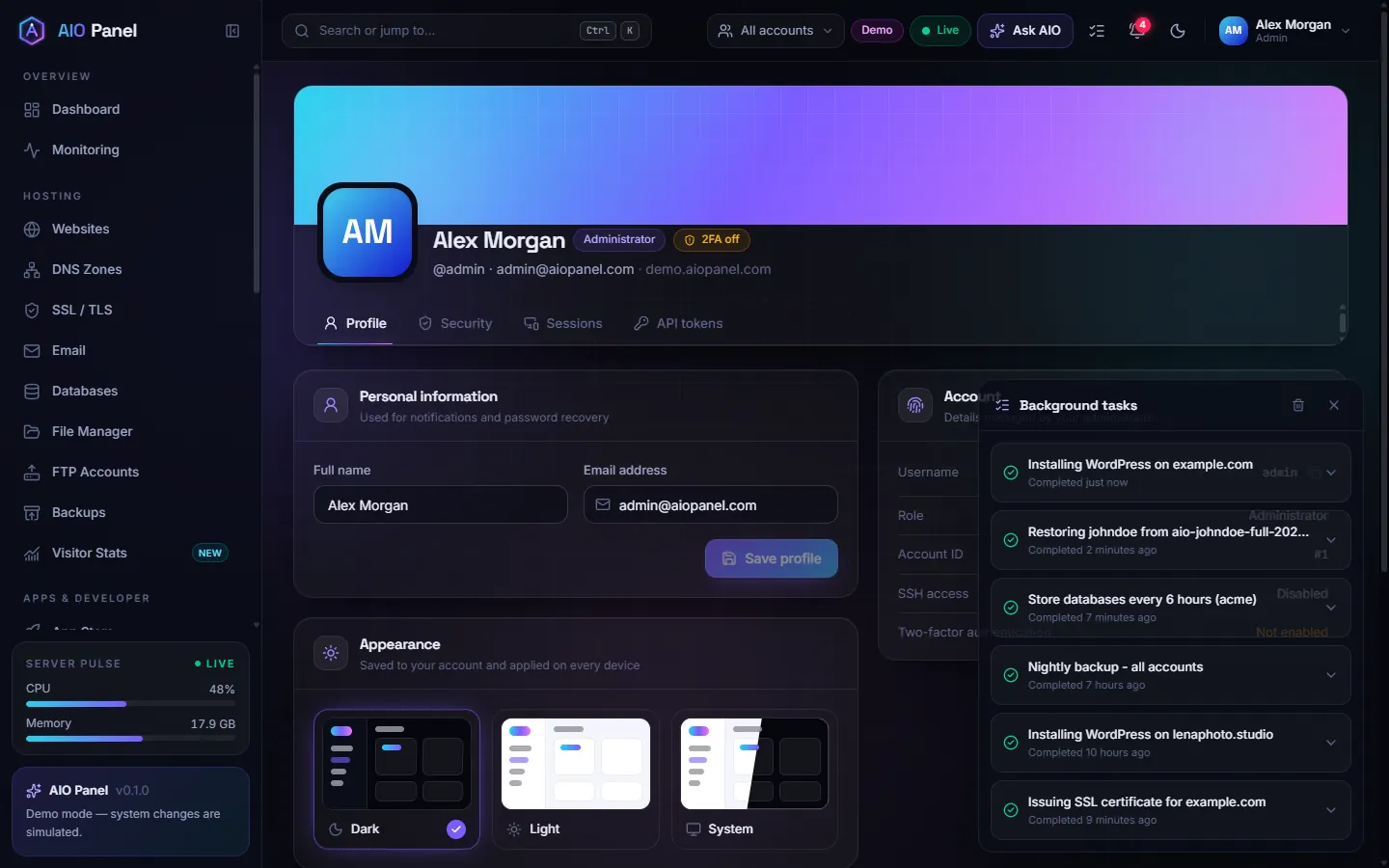
The language is saved to your account and applies instantly, without reloading the page. Dates, numbers and sizes follow the language too. While an administrator is logged in as a customer, the administrator's language is kept.
Can I request a language?
Write to support@aiopanel.net to request a language or report a mistake in a translation.